
Appearance
Results and records reviewer playbook
This page is for whoever clears the club's results and record claims — usually the Records Manager, sometimes a Results Reviewer who only handles results. It takes about five minutes to read.
Who can do this?
Deciding a result claim: Club Admin, Membership Manager, Records Manager or Results Reviewer. Deciding a club record claim: Club Admin, Membership Manager or Records Manager — a Results Reviewer does not reach the records queue at all. Viewer sees both queues but cannot act on either.
What you can do
- Decide a member's result claim — accept it, correct it, turn it down, or set an unclaimed import row aside.
- Decide a club record claim — approve it, reject it, or amend the details around it.
- Read the AI evidence check's reading of a claim's results page, where your club has switched it on, and say whether it was right.
Where you work
Both queues live under Performance in the volunteer console, with a switch at the top for Results and Records. Records also keeps its own address, /volunteer/records — that link is what goes out in emails and push notifications, so it survives even though the same list also appears inside Performance.
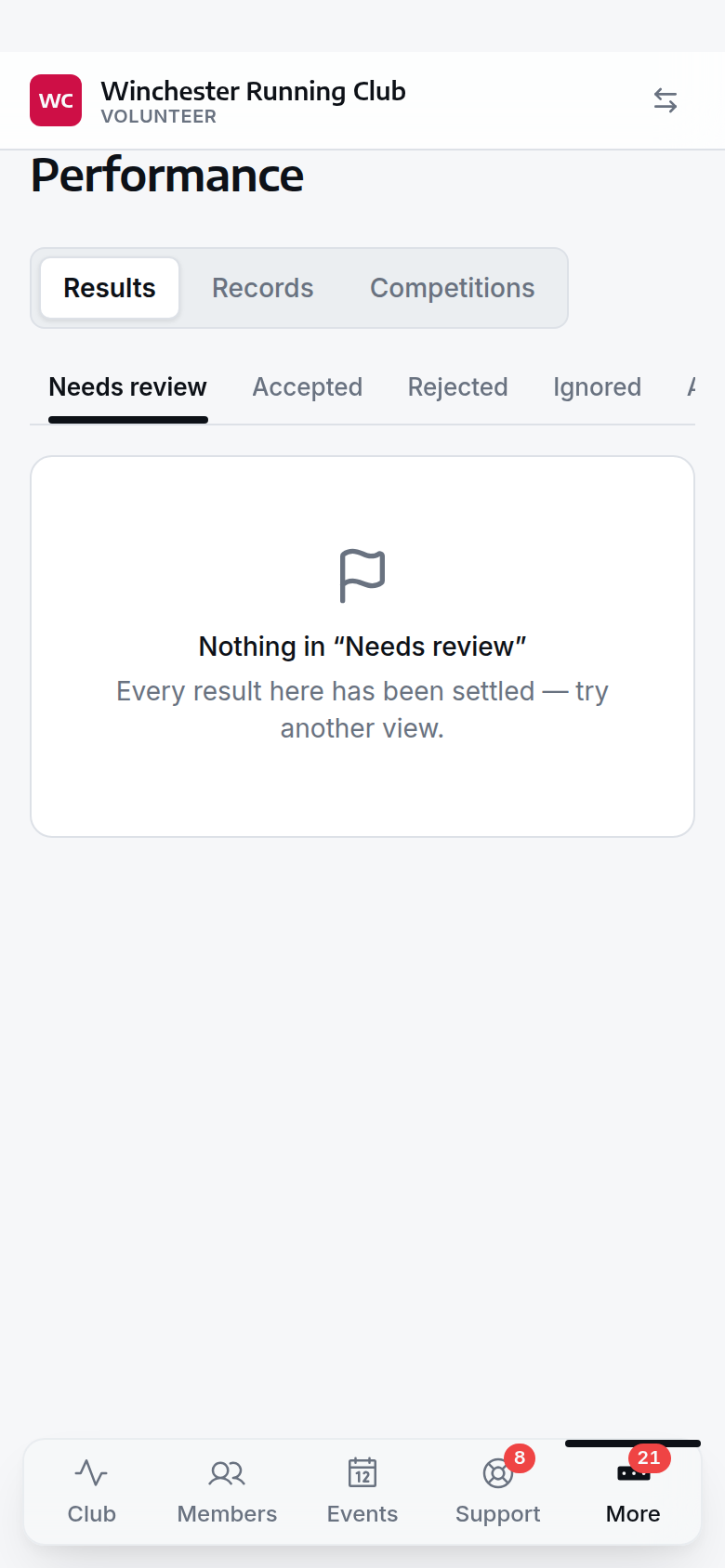
the two queues under one tab, with the switch to move between them
Where claims come from
A result claim arrives one of three ways: a member submits their own time through Submit results on their dashboard, an import brings in a whole race's results and stages the rows nobody could be confidently matched to a member, or you reconcile one event's imported rows from that event's own page — the same queue, narrowed to one race. A record claim always comes from a member applying for a club record, sometimes pointing at a result claim it stands on.
Reviewing a result
Open a pending claim and you see what the source actually said, kept word for word, next to who the club thinks ran it. A member's own claim already names them; an import row that could not be matched shows the published name instead, with a suggested member one tap from being confirmed — or Say who ran if the suggestion is wrong. Below that: the evidence link the claim rests on (or the reason there is none), the AI evidence check if your club is enrolled in the beta (see below), and anything else claiming the same performance, so you are never approving a duplicate by accident. If the member already has a result for this event, you are told before you decide.
If accepting this claim would also put an unlisted race onto the club calendar, that is flagged above the button, not after — along with who added the event.
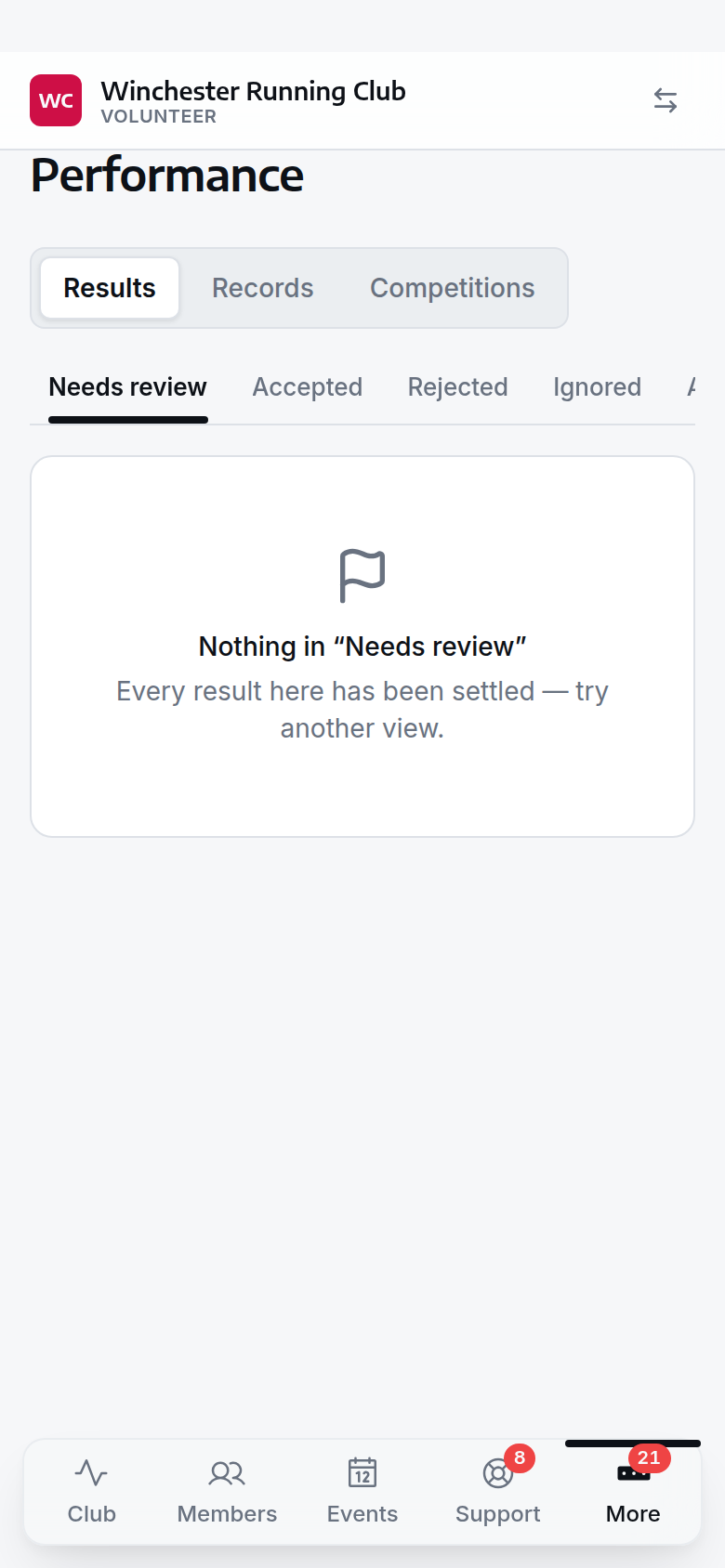
a result claim, with the source row, the matched runner and the evidence link
Rejecting tells the member, and there is no undo here
Reject is only offered on a member's own claim, and the reason you give is emailed straight to them. There is no button to bring a rejected claim back — if you get it wrong, ask them to submit it again.
From here you can Accept, Amend the finish time or position without touching the source's own words, Reject, or Ignore, which quietly sets aside an import row nobody claimed — never offered on a member's own claim, and it tells them nothing.
A club record claim can stand on one of these result claims. Reject the result and any record claim resting on it is rejected with it — a club record cannot stand on a performance the club has turned down. Approving the record claim, in turn, accepts the result claim underneath it for you.
Reviewing a record claim
Open a pending claim from Records and you see the claimed time, the event it was set at, and the category it falls in — worked out from the runner's date of birth and gender on the day of the event, for example Men V40 or Women Overall. Below that, the same AI evidence check as a result claim, then the eligibility context: the current holder and time for that category, and whether this claim would beat it or not.
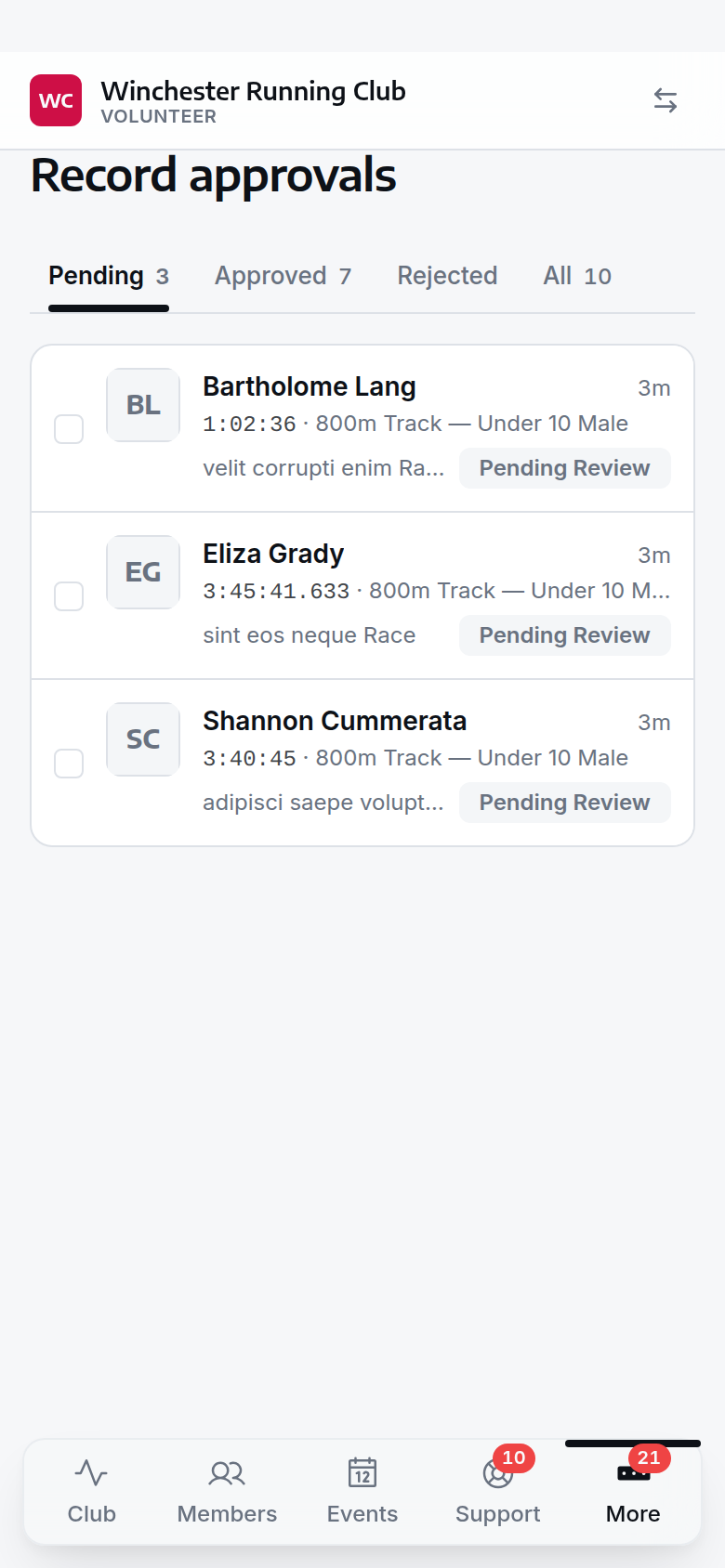
a record claim, the category it was matched to, and the current holder
Rejecting tells the applicant, and there is no undo here
The reason you give is emailed to the applicant, and there is no button to bring a rejected claim back — ask them to reapply if you get it wrong.
Approve and the record board updates straight away — the applicant and the record holder (if that is someone else, such as a parent applying for a junior) are both emailed, and if it beats the previous time, the previous holder gets their own email telling them their record has been broken. Reject, or Amend the time, event details or evidence link — not the category or format, which is fixed at the point the claim was made.
The AI check is beta
Beta — ask us to switch this on for your club. Where it is on, the card shows the model's own reading of the linked results page: a verdict, the exact line it read, and a short explanation — so you can check it rather than take it on trust. It never decides anything; it supports your judgement and nothing else. Tell it whether the verdict was right or wrong with the Yes / No buttons underneath — that feedback is recorded against the claim and is how the beta gets better.
A page the check could not read — blocked, empty, or a site currently being left alone after refusing us — is never scored as "not corroborated". It is shown as a fact about the site, with a nudge to open the link yourself; nothing there reflects on the claim.
If something goes wrong
The evidence link won't open, or the AI check has nothing to say
Some results sites block automated readers, some load their results after the page opens and show nothing to check, and a site that has recently refused us is left alone for a while before we try again. In all three cases, open the evidence link yourself and decide on what you see — none of them is a verdict against the claim.
The claim is matched to the wrong person
Use Say who ran on a result claim to correct the match before you accept it. If a record claim names the wrong member, reject it and ask them to reapply — the applicant, not the record holder, chooses who a claim is about when they submit it.
The claim landed in the wrong category
The category is worked out automatically from the member's date of birth and gender at the time of the claim, and amending a record claim cannot change it afterwards. If the category looks wrong, check and correct those two fields on the member's own record — see Members and households — then reject the claim and have them reapply; the wizard will offer the right category next time.
What you cannot do
- Create or edit competition formats or categories — that is Settings, for a Club Admin.
- Edit the event a claim points at — that is Events.
- See the club's finances.