
Appearance
Approve a race a member added
A member has added a race from the app — a parkrun, another club's event, a championship — to say they are going and let their club-mates know. It sits on their own calendar straight away, but it only joins the club's calendar once you say so.
Who: Events Manager or Club Admin. Where: the volunteer console, Events tab. Takes: about 2 minutes.
Before you start
Nothing to prepare. If anything is waiting, the console tells you the moment you open the Events tab — you don't need to go looking for it.
Steps
- Open the Events tab in the volunteer console. If any member-added races are waiting on a decision, an Awaiting listing card sits above today's sessions, with a count.
- Tap a race to expand it. You'll see when it is, who added it, the organiser's name if one was given, and — if it might already be on your calendar under another name — a Might duplicate list of nearby events to check against first.
- Decide:
- List puts it on the club calendar. Add a note for the record if you want one — it's optional.
- Decline leaves the race exactly as it is, as the personal plan it already was for whoever opted in. You must give a reason (a few words is enough); it's kept against the decision.
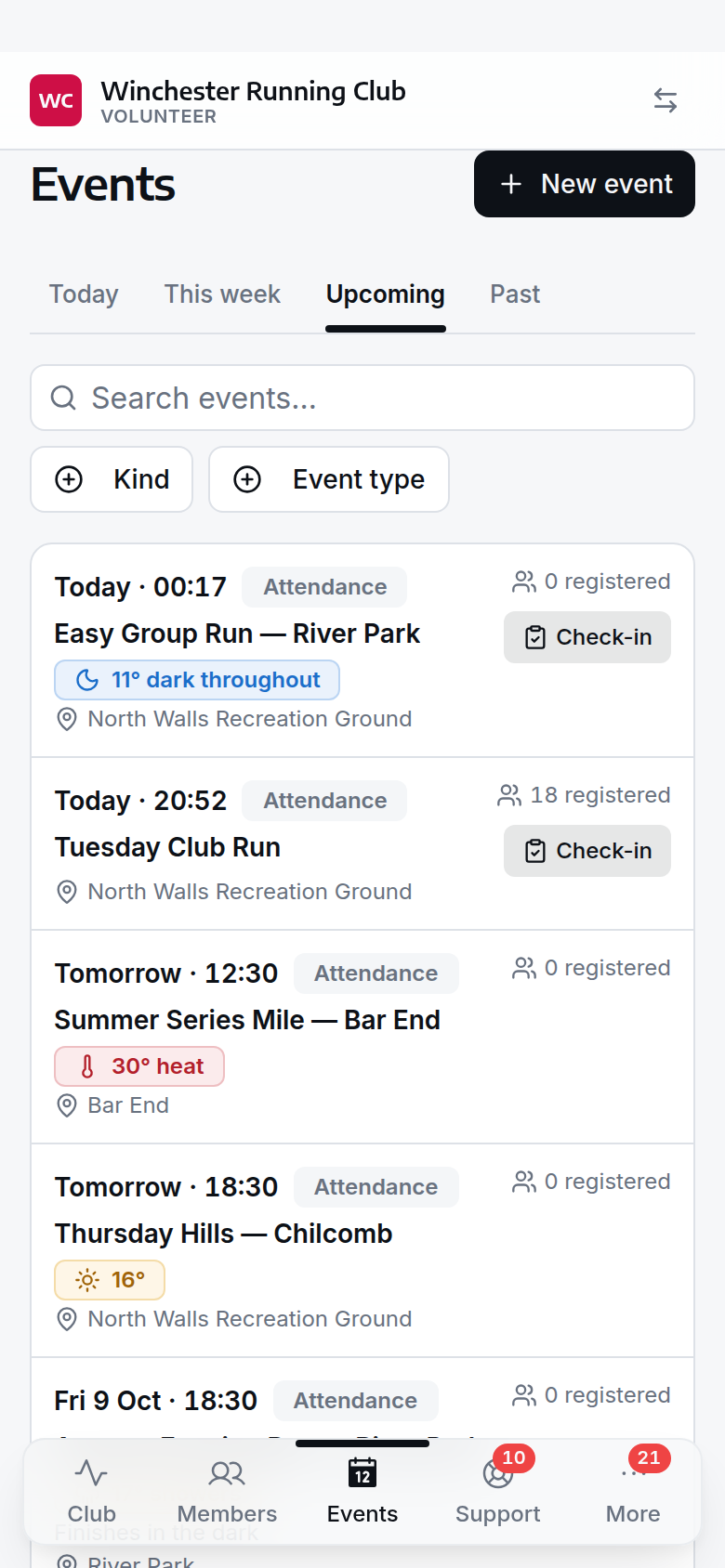
the console's Events tab, with a member-added race awaiting the club's answer
What happens next
- Listed, the race joins the club's events list and the console's calendar, and is announced in the club feed as newly published.
- It isn't shown on your public website automatically — that's a separate step. Turn on Public Event on the race's edit form afterwards if you want it there too.
- Declined, nothing about the race changes. It stays on the calendars of the members who already opted in, with its own entries and results untouched — only the review item closes.
- Either way, nobody is emailed — this is a club decision, not something the member who added it is waiting to hear about. What you decided is written to the activity log: who added it, who decided, and the reason for a decline.
- List and Decline are not symmetrical, and neither reverses from here: a listed race is a real, published event from that moment, and a declined one has no "reconsider" button — add it yourself the ordinary way if you change your mind.
If it does not work
I can't tell if two entries are the same race
Open both — the Might duplicate list under an expanded entry links straight to the events it might match. If they genuinely are the same race, decline the one you don't want and correct attendance by hand if anyone has already checked in against it; there's no automatic merge for two member-added copies of one race.
I listed it by mistake
There's no "unlist" action. Edit the event directly — change its status to Cancelled if it shouldn't be on the calendar at all, or correct its details if it's right but wrongly filed. See Events for editing an event after the fact.
The race never shows up in Awaiting listing
Check the member actually used Add a race from the app, rather than just marking themselves as attending an event you already have. Only a race a member created themselves raises this queue.
See also
- Events — event kinds, and how a member-added race fits into the wider system
- The volunteer console