
Appearance
Invite a household manager
A household sometimes needs a second person who can sign in and manage it — a second parent, a grandparent doing the school run, anyone the first manager wants sharing the load. This recipe adds them from the admin panel, by email address alone.
Who: Membership Manager or Club Admin. Where: the admin panel, a household's record. Takes: about 1 minute.
Before you start
You only need the person's email address — they give their own name the first time they sign in, so there's nothing else to fill in on their behalf.
If the person already has a member record of their own, this isn't the recipe: use Add Existing Member instead, covered in Members and households → Move someone in, out, or between households. Members can also invite each other, from Profile → Household in the member app.
Steps
- Open Members → Households and find the household. Open it.
- On the Household Members tab, choose Invite Manager.
- Enter their Email address. An address that already has an account elsewhere on the platform is fine, so long as it isn't already linked to a different member.
- Confirm. You'll see Invitation sent.
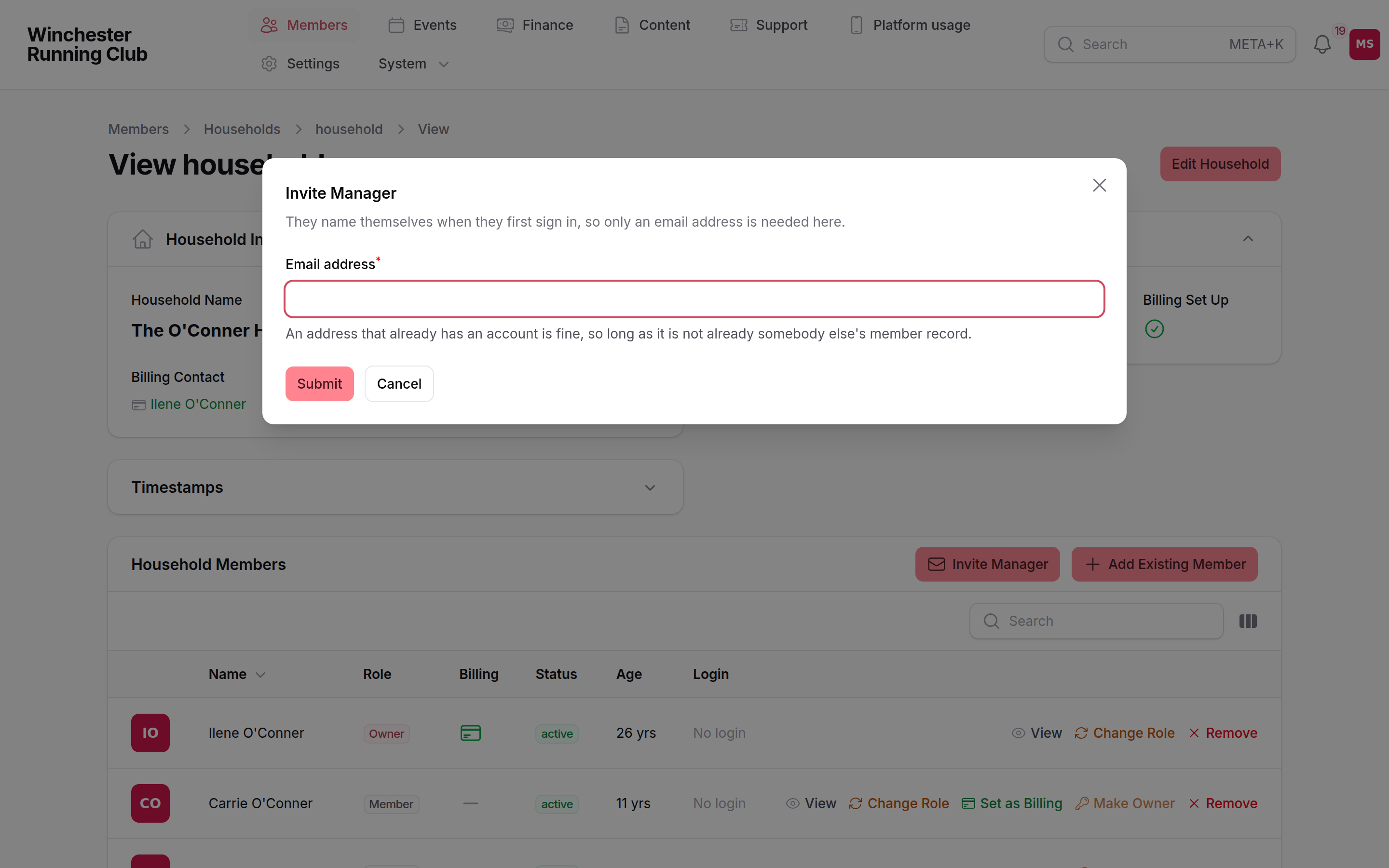
inviting a household manager by email address alone
What happens next
- A new member record is created for them, with the role Manager and no membership of their own — the product's status for someone who looks after a household without taking part themselves.
- They're emailed a sign-in link — there's no password to set. Following it takes them to a short profile step to give their own name, then straight into the household.
- From then on they can see and manage everyone in the household — subscriptions, event registrations, everyone's details.
- The invitation is written to the activity log against the household.
During a pilot, this counts against your login cap
Your club's pilot login limit counts logins, not member records — inviting a manager uses one of your allotted logins. See what's switched off during a pilot.
If it does not work
I can't find Invite Manager
It's on the Household Members tab of a household's own record, not on an individual member's record — open the household from Members → Households first.
The invitation says the email is already taken
Only an address linked to a different member is refused. If the address belongs to someone with no member record at all — an orphaned sign-in from a blocked registration — the invite adopts it rather than failing; if it's genuinely somebody else's login already, use a different address or ask them to check which club account they're signed in with.
They never received the email
Check the address for a typo on the household's Household Members tab, and ask them to check spam. There's no resend button on an invitation — enter the same address again and a fresh invitation goes out.
The club has run out of login slots
During a pilot, the invitation is refused once your login cap is reached. Remove a login that's no longer needed, or ask us to raise the limit.
See also
- Members and households — households, and everyday member jobs
- Give an imported member a sign-in — the equivalent job for someone already on the roster