
Appearance
Run a poll after a session
Find out how a session actually went by asking the people who were there — an event feedback poll offers itself only to members whose attendance was recorded, so you're never asking the two hundred people who weren't at Tuesday's track session how Tuesday's track session felt.
Who: Club Admin or Content Manager to build it; an Events Manager can run one on an event they manage. Where: the admin panel to write it, the volunteer console to read the results. Takes: about 5 minutes to write, plus however long you leave it open.
Before you start
Check-in for the session needs to have actually happened — this poll type is only offered to members whose attendance on that event was recorded, so run it after the session, not before.
Steps
- Open Content → Polls and choose New poll.
- Give it a Title — members see this as the heading, so a plain question ("How did tonight's session feel?") works best.
- For Kind of poll, choose Event feedback.
- In Event, pick the session you're asking about. Only events you manage appear here if you reach this as an Events Manager.
- Add your questions — Rating for "how did it feel", Single choice or Free text for anything more specific. Each can be marked optional.
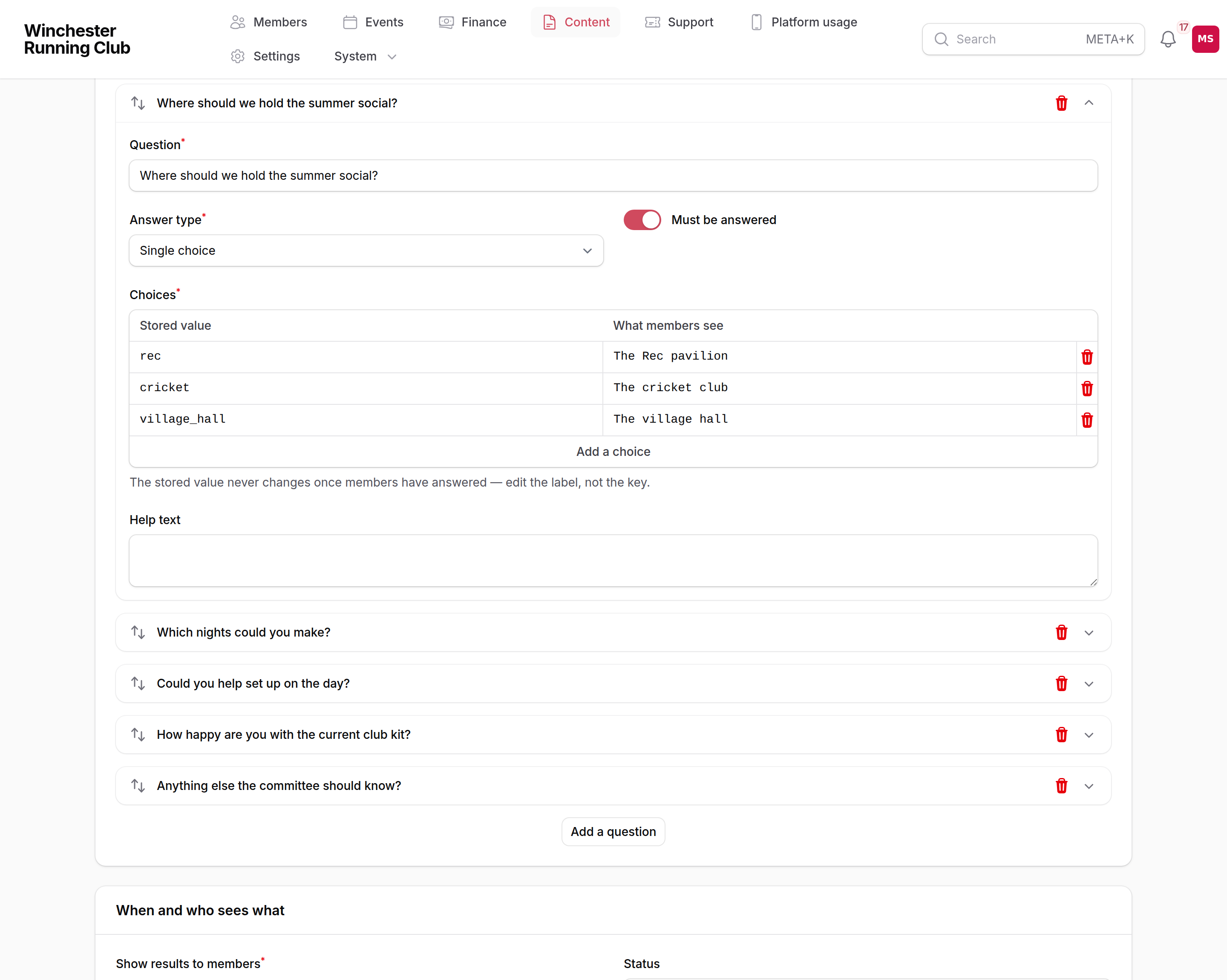
- Decide Show results to members — Only the club (the default), When the poll closes, or Straight after answering. See Polls → Showing members the results if you're unsure which suits this one.
- Choose Publish.
What happens next
- The poll becomes available immediately to every member whose attendance at that event is on record, on their dashboard.
- Nothing is emailed automatically. If you want to reach members who don't have the app on their phone, use Send invitation on the published poll — see Polls → Emailing the poll. It can only be sent once.
- Results build in real time under Club at a Glance → Polls in the volunteer console, whether or not you've emailed anyone.
If it does not work
Event feedback isn't offered as a kind of poll
Check you have Content Manager or Club Admin access, or — as an Events Manager — that you manage the event you're trying to ask about. The Event field only lists events you're actually authorised to run a poll against.
No members are seeing the poll
Confirm attendance for the session was actually checked in, not just that people registered — only recorded attendance counts. See Check-in if the session's attendance isn't showing correctly.
I need to ask again about the same session
There's no duplicate button on a poll. Create a new one, choose the same event, and write fresh questions — a second Event feedback poll on one event is allowed and offered independently.
See also
- Polls — quick polls, reminders, and reading the results in full
- The volunteer console