
Appearance
Your subscription
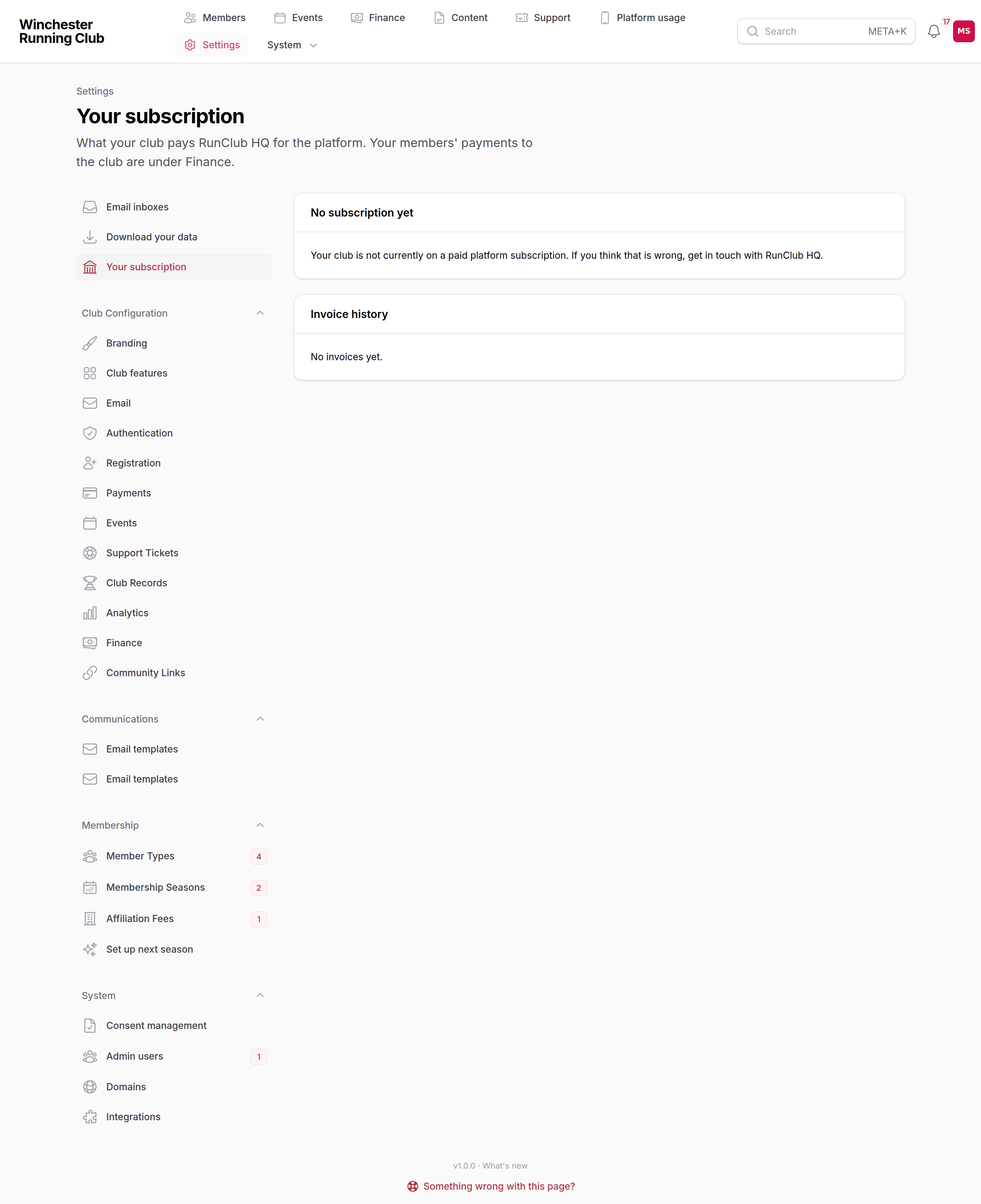
Once your club is live, RunClub HQ invoices it for the service. Everything about that lives on one page in your admin panel: Settings → Your subscription. It shows what tier you are on, what that tier costs, what your club actually pays, when the next invoice is due, how to pay it, and every invoice you have been sent.
Your members' payments to the club are a different thing entirely and live under Finance — see Finances.
Who can see this?
Your club's Club Admin and Treasurer. Anyone else on the committee sees the club's own finances but not its contract with us.
Your plan
| Line | What it means |
|---|---|
| Tier | Small, Medium, Large or Extra Large, from the table on Going live. |
| List price | What that tier costs, per period, VAT included. |
| You pay | What your club is actually invoiced. It only differs from the list price when a discount applies. |
| Discount | Shown whenever one applies, with its reason and, if it is time-limited, the date it ends. A discount never hides the list price: every invoice states the tier, the list price and the reduction, so you always know what you would be paying without it. |
| Billing cycle | Monthly or annual. Annual is twelve times the monthly price — the same money, one invoice a year. |
| Current period | The period you are living through, which is the one your latest invoice covers. |
| Next invoice | The date the next period starts and the next invoice is issued. |
How your tier is worked out. We count members holding a paid subscription, average that over the previous twelve months (or over however long you have been with RunClub HQ, if that is shorter), and read the tier off the table. The tier is only ever reassessed at the start of a billing period, never in the middle of one you have paid for, and a change is announced on the first invoice that applies it.
How you pay
Today, invoices are paid by bank transfer, quoting the invoice number (for example RCHQ-2026-0012) as the payment reference. Our bank details are on this page and on every invoice. Direct Debit through GoCardless is coming: when it is ready you will be able to authorise a mandate from this page, and we will tell you before anything changes.
If your club is on a 100% discount, the page says so plainly: there is nothing to pay, and you will still receive an invoice each period showing the list price and the discount, so your records are complete.
Our VAT registration number is printed under this section and on every invoice.
Invoice history
Every invoice we have issued to your club, newest first, with its number, the period it covers, its status, and the breakdown: the plan line at list price, any discount, the net amount, VAT at the rate in force, and the total. A £0.00 invoice produced by a discount is marked as settled by the discount; nothing is collected for it.
Invoice statuses:
- Pending — issued and not yet paid. It becomes overdue once its due date passes; see below for what happens then.
- Paid — settled in full, whether by transfer, by discount or, later, by Direct Debit.
- Partially paid — some of it has been received; the balance is still due.
- Failed — a collection attempt did not succeed. We will be in touch, and a bank transfer against the invoice number settles it.
- Cancelled — voided by us, usually because it was replaced; nothing is owed on it.
If an invoice is overdue
Nothing about this is automatic beyond the reminders. If an invoice is unpaid you will get reminders to your billing contact and to your club's admins. If it is still unpaid after 30 days, a notice appears across your admin panel naming the invoice and the date it was due, and we get in touch. Suspending a club is a decision a person makes, never something a job does at midnight, and it is only ever taken after we have spoken to you. If money is tight or a payment is in transit, tell us — see Getting help.
Changing or cancelling
- Switching to annual billing. Ask us; the change applies from your next period.
- Cancelling. You can cancel at any time, with no penalty and no notice period. It takes effect at the end of the period you have already paid for, nothing further is invoiced, and you keep the service until then. We do not refund the unexpired part of an annual period: annual costs the same as monthly, so it is a convenience rather than a commitment.
- A question about an invoice. Reply to the invoice email or raise it through Getting help and quote the invoice number.
The full terms are on our terms page.